
Introducing additional stock self-serve: More flexibility, more visibility, and more control for retailers
In today’s fast-moving used market, flexibility is everything. Stock levels shift, demand fluctuates, and opportunities appear quickly.
That’s why we’re excited to introduce the new self-serve feature for our additional stock items. A brand-new feature that lets you add extra advertising capacity exactly when you need it. You can now advertise these vehicles with no cancellation or downgrade period, giving you full freedom to list stock whenever it arrives.
For the first time, retailers can independently scale their presence on Autotrader - giving you the tools to react dynamically, control costs, and maximise margin on every vehicle.
Let’s break down the three additional self-serve stock options now available, and how the new process empowers your dealership like never before.

Tactical Stock: Short-term flexibility when you need it most
Sometimes your demand peaks. Sometimes new stock arrives all at once. And sometimes you simply need more visibility - now, not next week.
Tactical Stock gives you the ability to purchase a limited number of extra adverts on top of your contracted stock.
Tactical Stock allows you to:
Scale up instantly without upgrading your entire package
Only pay for extra capacity when it’s needed
Increase visibility immediately, helping you shift vehicles faster during busy periods
Think of Tactical Stock as an on-demand increase - ideal when the market moves quickly and you need to move with it.

Economy Stock: Maximise margin on vehicles priced up to £7,000
Older or mid-range stock often sells well, but you still want to keep advertising costs under control. That’s where Economy Stock comes in.
Economy Stock allows you to advertise vehicles priced up to £7,000 at a reduced rate, helping you turn stock faster and more profitably.
Economy Stock allows you to:
Unlock margin without compromising visibility or performance
Cost-effectively list vehicles in a category that consistently captures above-average consumer interest -with over 539M ad views, and 11.2B search views this year¹.
Tap into high-demand stock: Economy vehicles sell at or above market pace, averaging just 20 days to turn.
Economy Stock ensures your lower-value vehicles get the right level of visibility - without compromising performance.

Bargain Stock: Unlock profit from vehicles £2,500 and under
Demand for low-value vehicles is growing rapidly - and they sell fast. Vehicles priced £2,500 and under consistently leave forecourts five days faster than more expensive models.
Why Bargain Stock works:
Taps into strong consumer demand for older, cheaper vehicles which have seen 238 million ad views and 7.01 billion search views this year to date¹.
If your bargain vehicles aren’t listed, they’re simply invisible to 7 million monthly unique users
Bargain Stock attracts serious attention and with this additional Stock option, you can turn that attention into consistent, profitable sales.
Introducing self-serve: Total control over your stock advertising
For the first time, retailers can add Tactical, Economy, or Bargain Stock directly through the Portal - no need to contact your Account Manager, no delays, no waiting for package changes.
What self-serve means for your business
Instantly react to shifts in demand
Add extra advertising slots exactly when needed
Maintain control over cost and stock visibility
Adjust your presence on Autotrader without assistance
Assign permissions so only selected team members can manage stock volumes
By giving you direct control, self-serve ensures your advertising capacity can grow or contract as quickly as your forecourt demands.
A more agile way to advertise on Autotrader
With additional stock and self-serve, we’re giving retailers the tools to stay competitive in a market where speed, visibility, and flexibility matter more than ever.
Whether you’re responding to a sudden influx of stock, promoting fast-turning bargain vehicles, or trying to improve margins on older cars, these new options allow you to scale intelligently and efficiently.
Ready to get started?
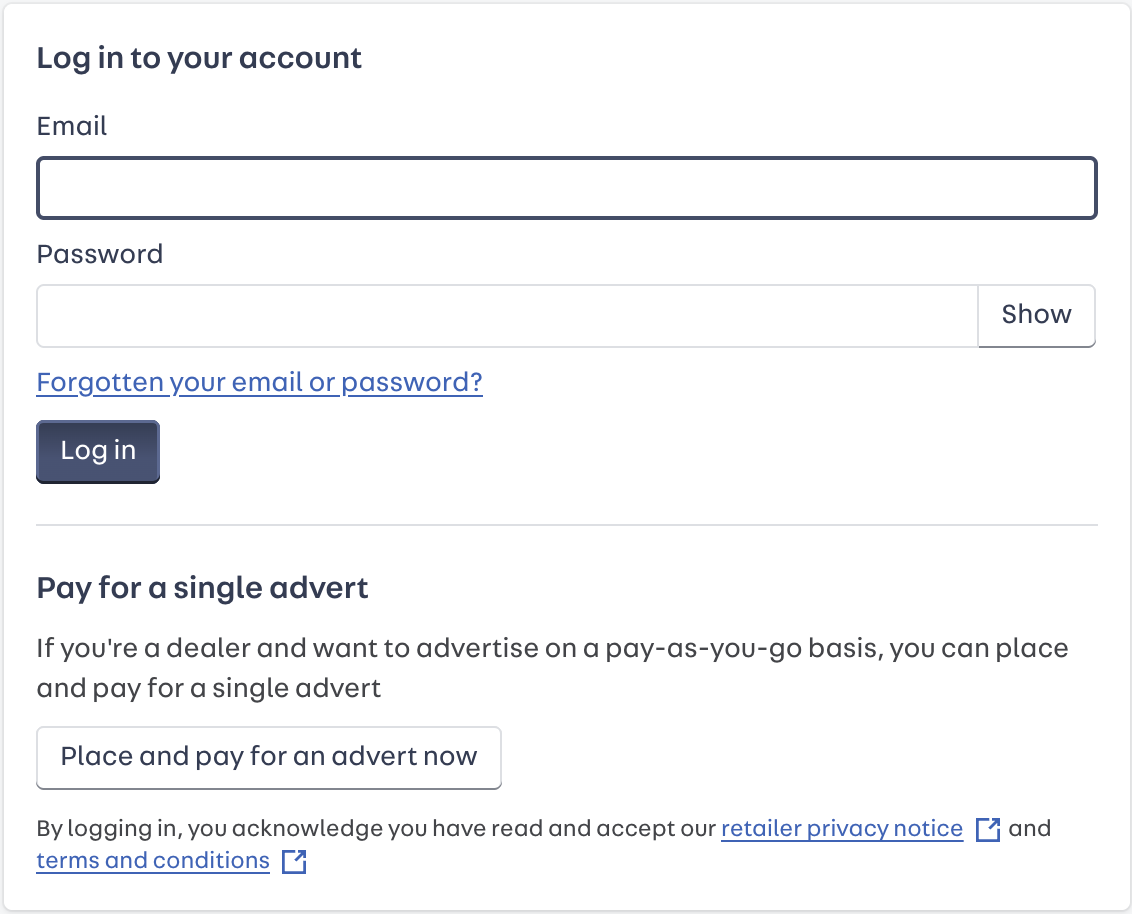
Log in to Portal
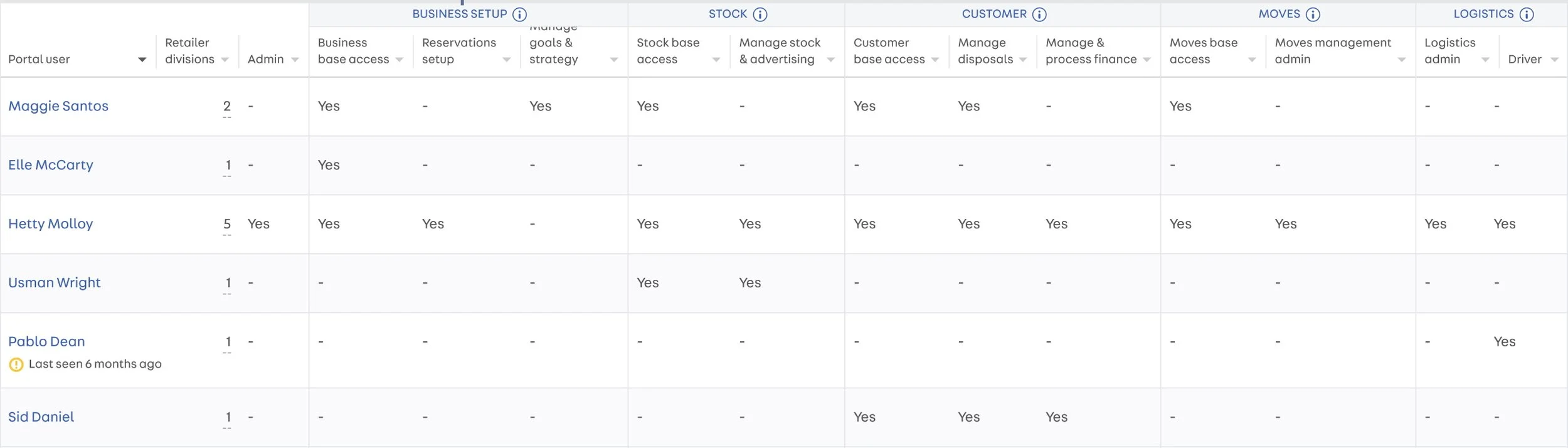
2. Assign permissions to the appropriate team members if you want them to be able to purchase self-serve stock.
Only Admin users can add new users, update existing user permissions, or grant Admin access to others within the team. (A retailer can have multiple Admin users.)
Admins can manage permissions by navigating to Portal > Account > Users and updating user settings as needed.
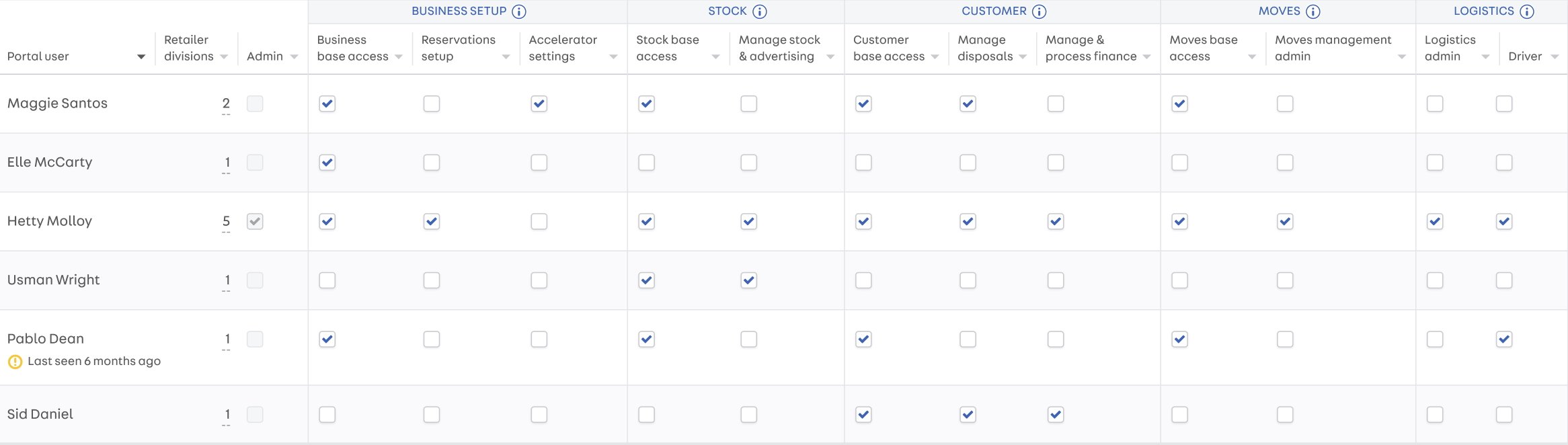
3. For a user to view the self-serve page, admins need to grant them the following permissions:
1. Business Base Access
2. Stock Base Access
To purchase additional stock, these users will also need the ‘Authorise Stock Spending’ permission enabled.
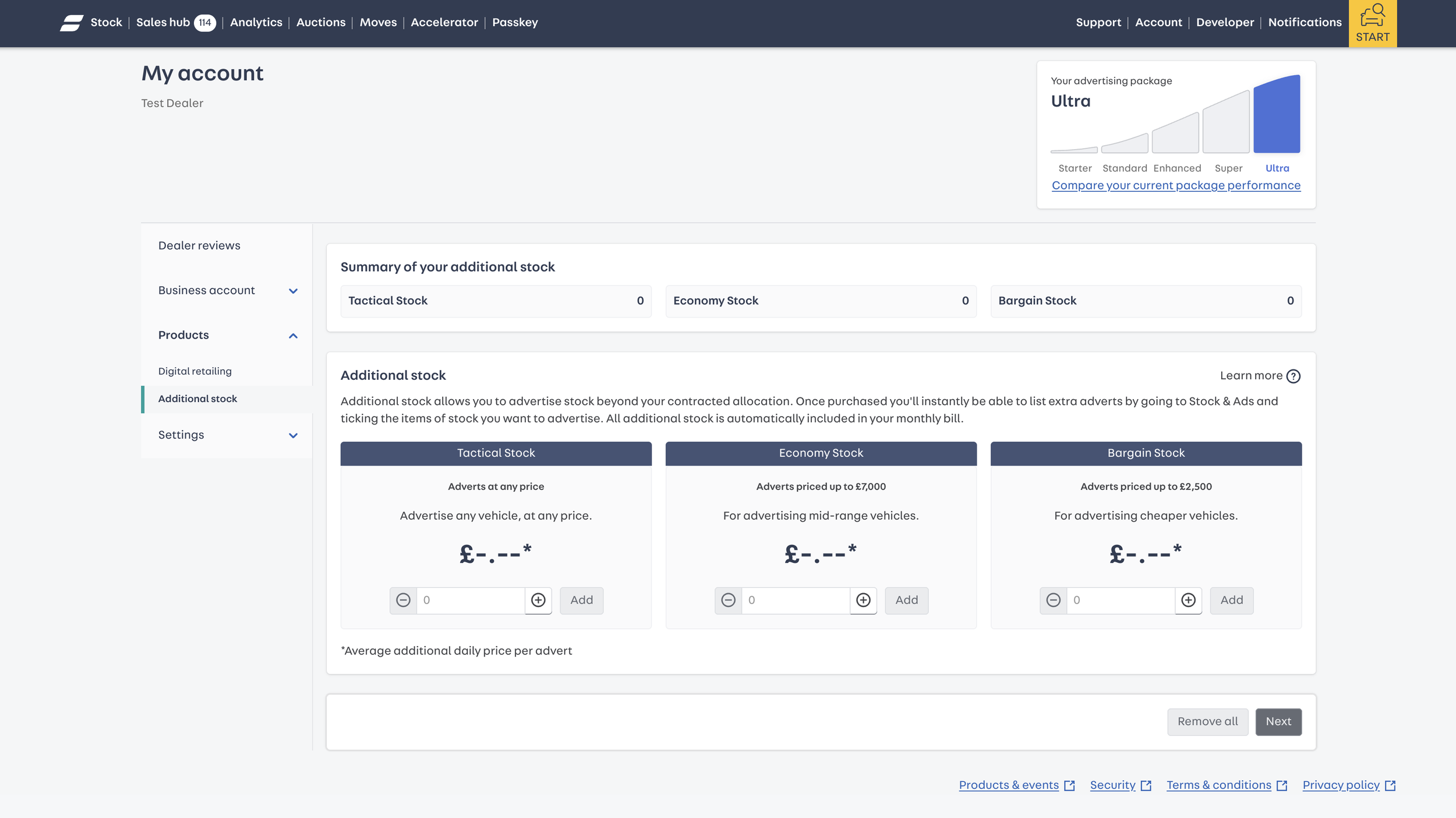
4. Explore Tactical, Economy, and Bargain Stock options in the additional stock tab.
Start using self-serve to take control of your advertising and maximise your stock’s visibility.
Please note: Downgrading additional stock is not available through self-serve. If you wish to reduce your additional stock level, please contact your Partnership Manager.
¹ Autotrader internal data monthly average January - November 2025